
0
USD$0.00
Audio Cassette Obistrips

Description
|
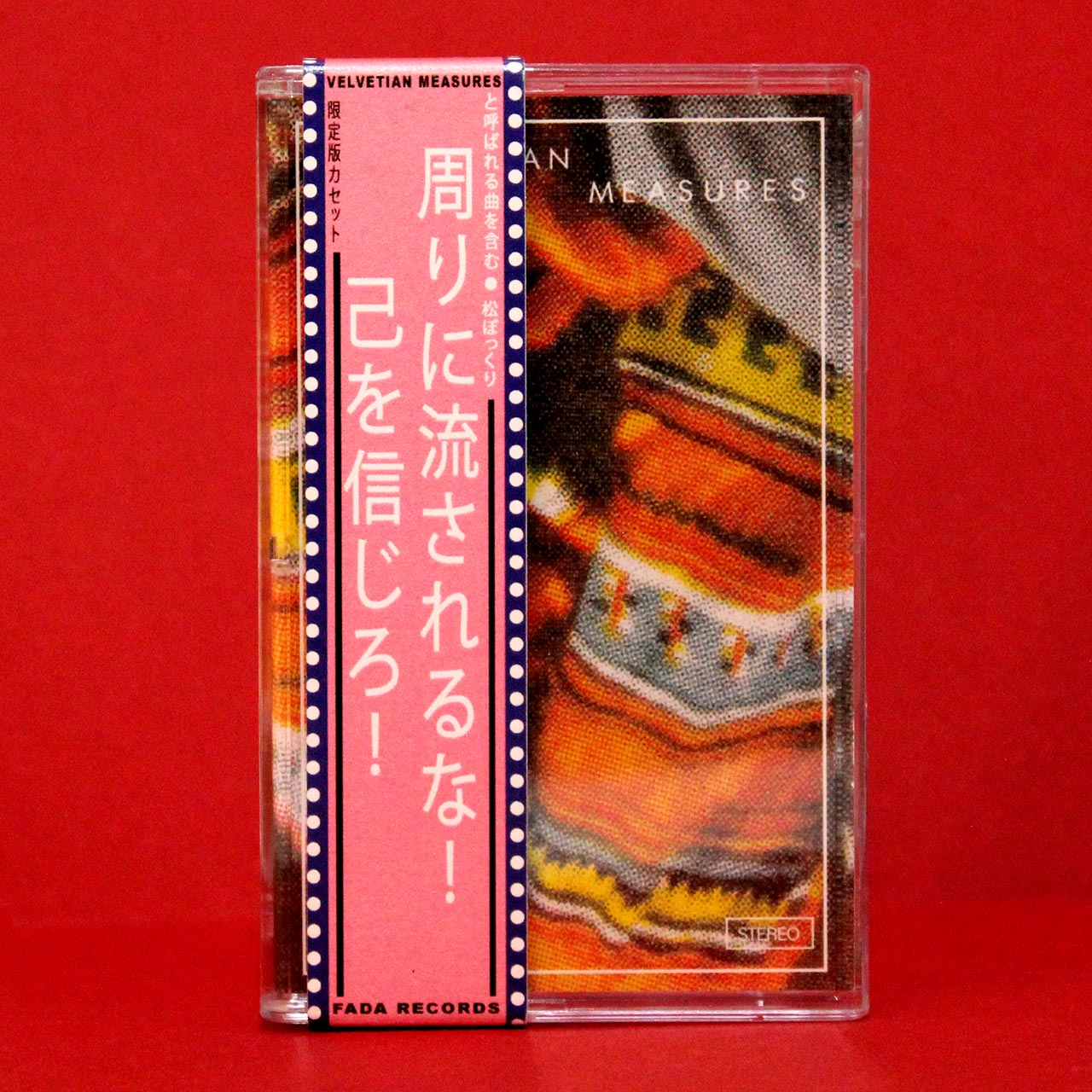
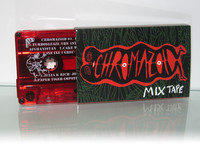
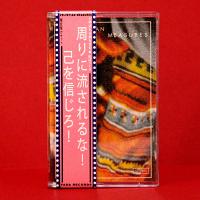
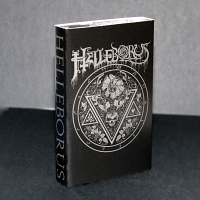
For decades the North American market has been missing out on a great element of Japanese record packaging: the obi-strip. These strips were used for CD and vinyl releases to give the customer extra information not found on the back of the case. Not only were they informative, but they added to the design of the packaging, often incorporating or extending the imagery found in the album artwork. We've taken the obi-strip tradition and applied it to our cassette packaging! We can print thick 15pt cardstock obi-strips vertically or horizontally in full CMYK so you can incorporate it with your artwork as you wish. These are a great way to get your cassette to stand out from the pack of standard Norelco cases. |
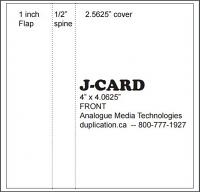
Design your artwork files using the template found at the top of this page. If no template is available and it's also not found in our general templates page, please respond to your confirmation order to request a template. We highly recommend using our templates as templates found from other sources may not fit our printing specs.
Some products allow you to design your artwork in the browser. If you see a "Design Online" button next to "Add to Cart", you can design on this page and it will automatically upload your files upon checkout.
For those supplying their own artwork, you will find an upload link on the order confirmation page after payment. You will also find a link in your confirmation email.
Important Design Tips
- We require PRINT-READY files (i.e. no transparency effects, export as PDF/X-1A for printing). Design assistance is available as an additional service.
- Artwork for print must be a resolution of at least 300 pixels per inch and in CMYK, unless noted otherwise in the template.
- All paper print items require a bleed of 1/8" (approx. 3mm) unless noted otherwise.
- Always leave a safety margin of 1/8" from the edge of the paper to important text or visuals - otherwise there is a risk of it getting cut off.
- Place your artwork in a separate layer
Note for Photoshop users: When you import a PDF please select Crop to: Bleed Box

Our digital Xerox Iridesse printer allows for hot fluorescent colors otherwise not seen in CMYK printing! We also allow for Metallic Gold and Metallic Silver spot colors. More information can be read here.
To provide artwork with hot fluorescent colors:
- Upload an RGB file, and we will take care of the CMYK conversion for print
- or provide a CMYK file with Pantone spot colors
Metallic Gold and Metallic Silver will require layers marked for a metallic overlay.
Print embellishments are not compatible with our online designer and automated uploads.
| 5 Stars | 2 reviews |
Only registered customers are allowed to add review. Please sign in and add your own review!
2 Most Useful Customer Reviews
 Ryan
Verified Purchase
Ryan
Verified Purchase
Customer support was super helpful and quick to respond. The obistrips are really well made, sturdy and fit the tapes perfectly! Shipped to CO. Well packed and included a tracking number.

Customers Also Bought
Categories
Bestsellers
-

Printed Audio Cassette O-Cards
USD$0.58
-
Audio Cassette Obistrips
USD$0.38
Testimonials
Just received! They look beautiful. The pink cassettes are so great. Thank you!
Alex G
cmntx records
I received the package and the cassettes look amazing! Thanks so much and have a great weekend,
Maxime
Velouria Recordz
very impressed and satisfied with the tapes thanks alot ill def be ordering more
Sean L.
Shimmer Bed
I really enjoyed working with you all on my Chaos CD! These things are gorgeous and we have...
Artimus Wolz
Artimus Wolz
Top-quality production with a super professional and talented team of designers. Highly...
Richard Dowling
Richard Dowling


